Summary:SD card not showing up or working on Windows 7/8/10 or your media device? Relax! In this article, we will introduce effective ways to fix the error and recover the data from the SD Card if data loss happens.
Summary:In this page, we would like to introduce you a reliable iPad data recovery software which you can always count on. Then shows you how to recover data from iPad with it step by step.
Summary:Have you ever accidentally deleted messages, photos, or videos, etc. on your phone? How to recover deleted files on android without a computer? This article will offer you an Android OS based APP that allows you to recover files on Android phone witho
Summary:The common situation of Chrome bookmarks disappeared issues generally are upgrading to Windows 10 or update to the latest Chrome browser itself. For this reason, we may lose all of our favorite websites. How to fix this issue? This article will offer
Summary:If you deleted or lost important photos on Android phone due to false operation,don’t worry.In this page, you'll find ways to recover deleted photos from android with a powerful Android data recovery software - Bitwar Data Recovery
Are you trying to save your missing photos, documents, or important files? U disk is used for a long time after a certain number of write and erase cycle that may be damaged, resulting in inaccessible or lost valuable data. So once found that the situation appears, you must seek professional for help.
This article is going to show you how to use professional data recovery software to solve the problem of U disk file loss. We must rely on the professional data recovery software-Bitwar Data Recovery.
Steps of using Bitwar Data Recovery
Step 1: Download software. You can download the Bitwar Data Recovery software by clicking the button below or go to the official website: https://www.bitwar.net
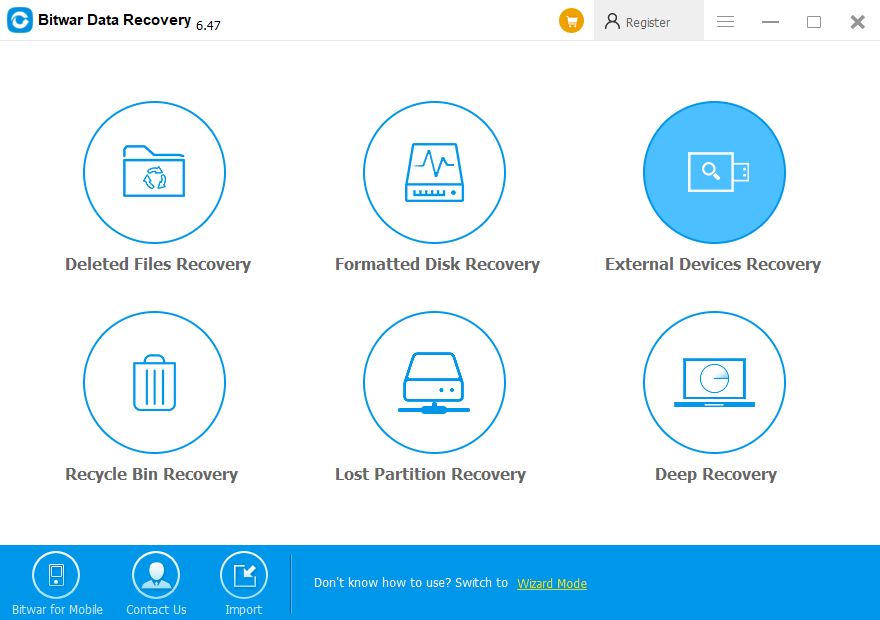
Step 2: Open the software, connect the need to restore the file U disk. Select "External Devices Recovery". Select U disk name in the partition and device.
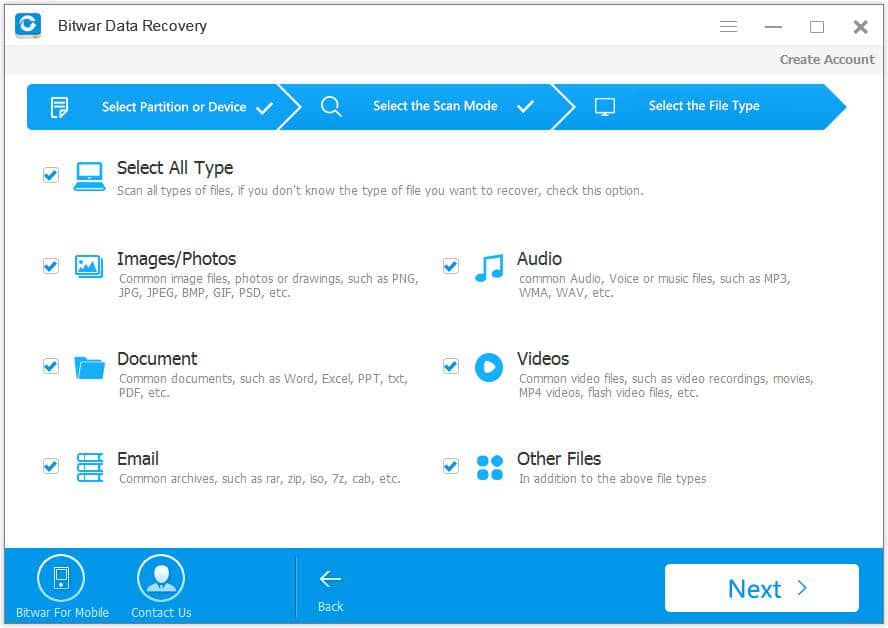
Step 3: Select the file types.
Because the length of the scan is determined by the content, so we only check the file types that need to be recovered to avoid waiting for a long time.
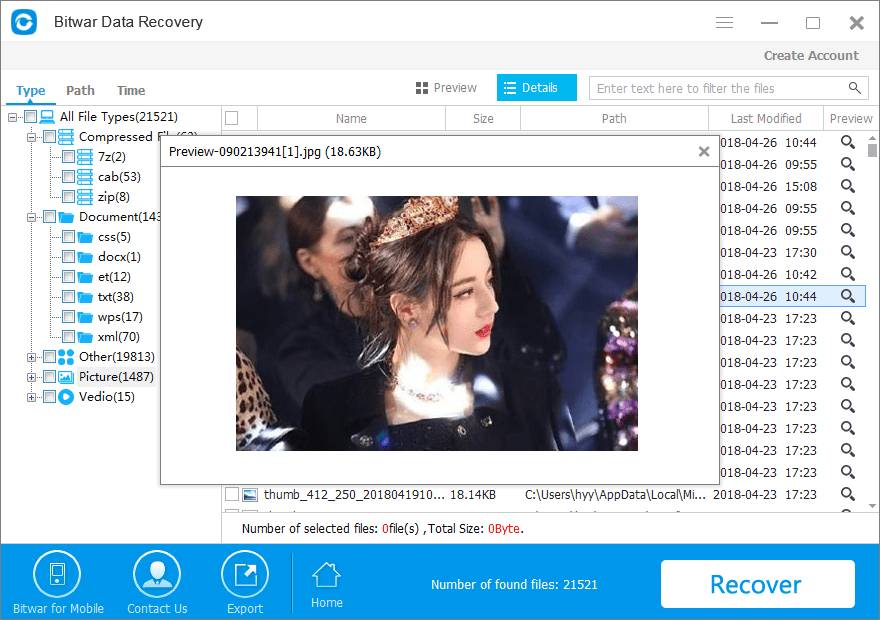
Step 4: After the scan, you can preview the files that were mistakenly deleted, then you can select the files you want to recover and click "Restore".
You should save the data to another hard disk to avoid overwriting the data.
In some cases, the loss of data is unavoidable. In this case, the best way is to back up all the data as early as possible so that you can avoid complex data recovery in an emergency. But if you suffer from data missing, you can ask the Bitwar Data Recovery for help. I believe it's the best choice for you.